Start by separating the problem
A solenoid valve problem can be electrical, pneumatic, mechanical, or a combination of several small issues.
A solenoid valve switches compressed air using an electrical command. If the connected cylinder does not move, the valve itself is only one possible cause.
The important first step is to avoid guessing. Check whether the PLC output is commanding the valve, whether the coil receives voltage, whether the valve can move manually, and whether air pressure is actually available.
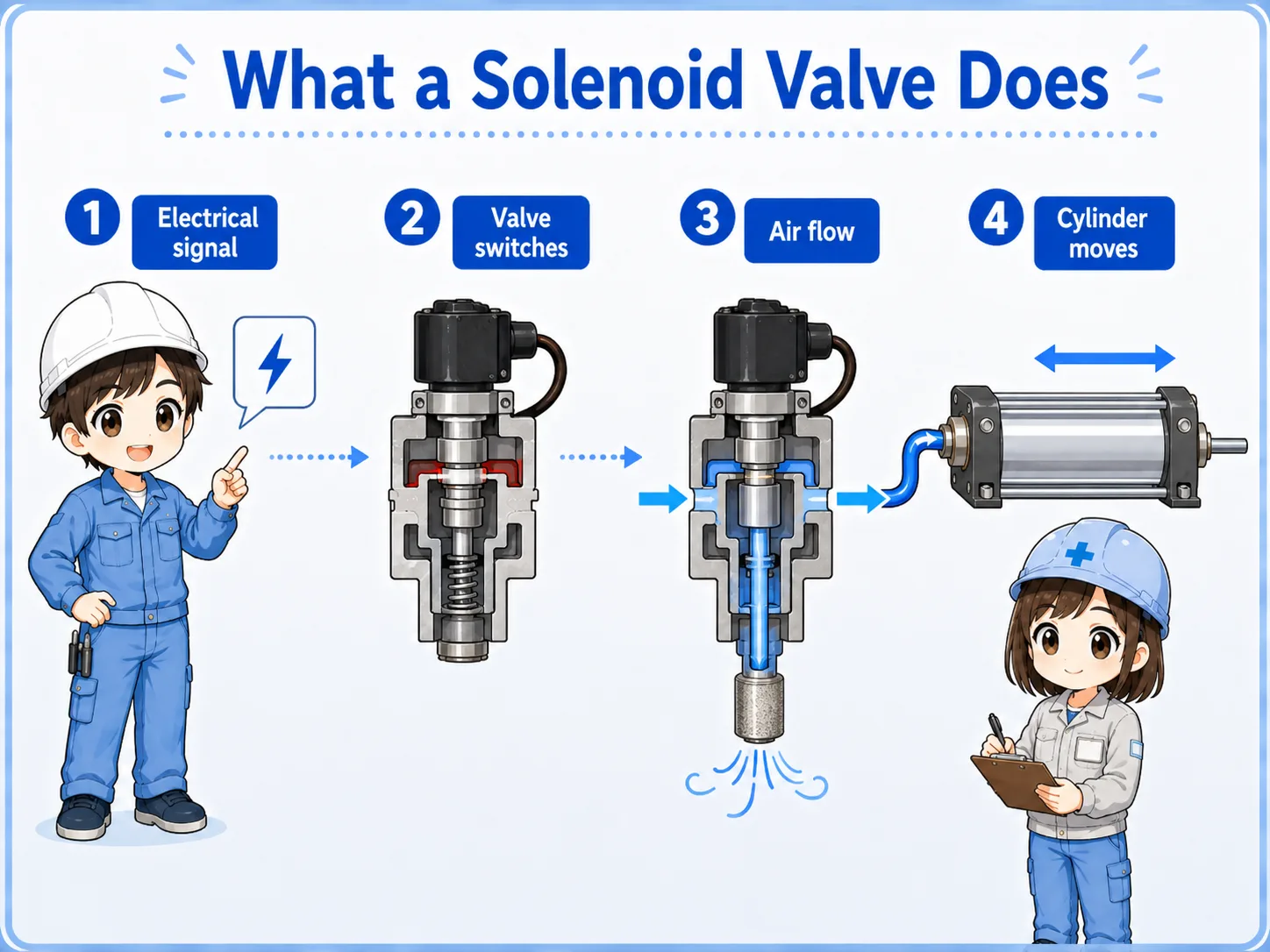

When the cylinder does not move, do not start by blaming the valve. First separate the electrical command from the air-side condition.

So I should check the PLC output and coil voltage, then check manual operation and air pressure before replacing parts.
Check the actual model manual
Coil voltage, connector type, manual override style, port naming, and wiring method differ by manufacturer and model. Always confirm the official manual for the actual valve.
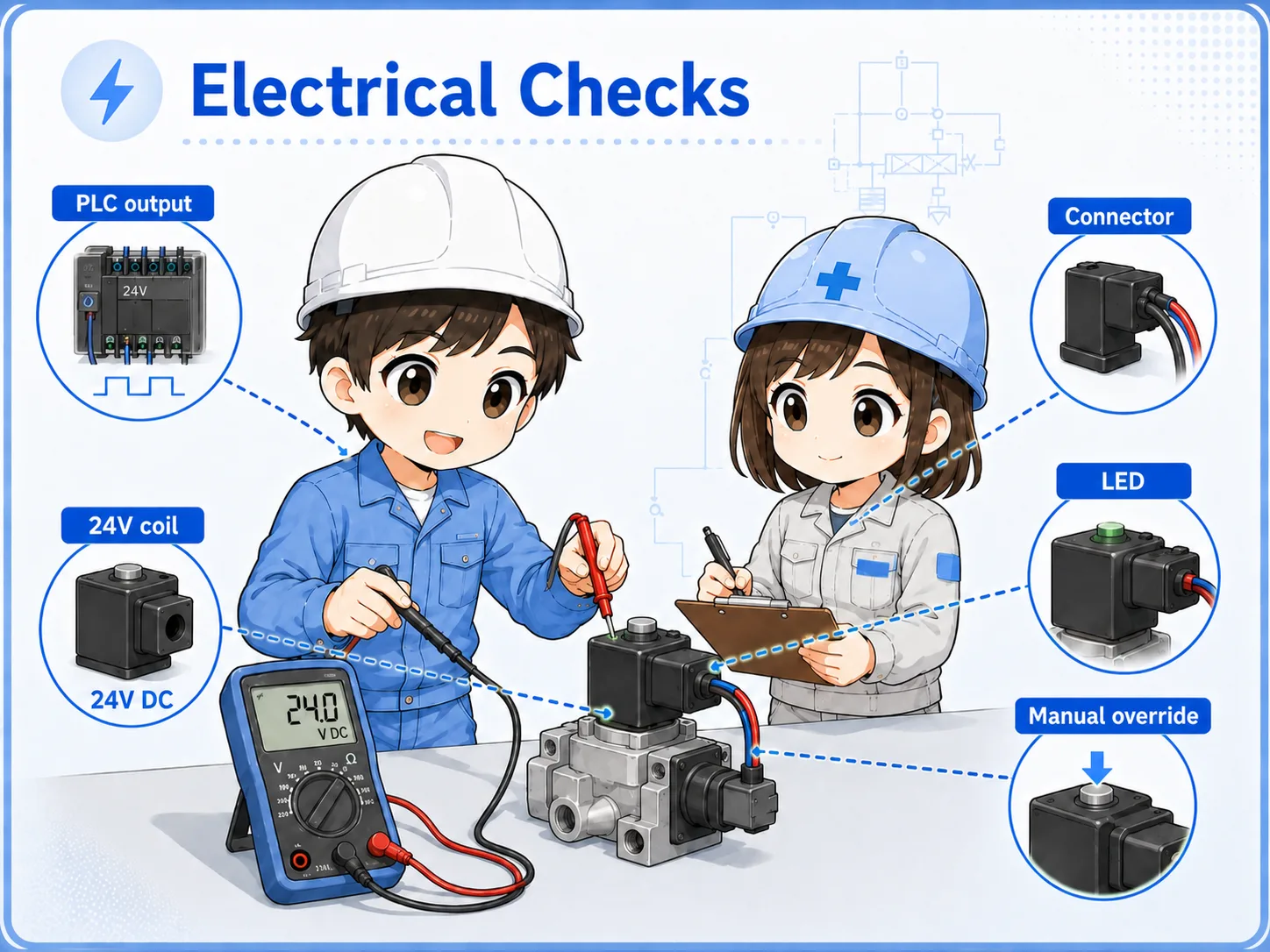
Electrical checks: PLC output, DC24V, and coil
If the solenoid coil is not energized, the valve will not switch from the electrical command.
Start with the control side. Check whether the PLC output is ON, whether DC24V is present at the output circuit, whether the valve connector is connected, and whether the coil receives the correct voltage.
1. PLC output status
Check whether the output is ON in the PLC monitor and whether the output LED behaves as expected.
2. Output voltage
Measure the voltage at the output terminal or valve connector if it is safe and allowed.
3. Connector and wiring
Check loose connectors, broken wires, wrong common wiring, and terminal looseness.
4. Coil condition
Check coil voltage rating, connector LED, abnormal heat, and whether the coil is damaged.
Do not short terminals while checking
Electrical checks must follow site rules. Use the correct meter range and avoid shorting DC24V output circuits or damaging PLC output modules.
Manual operation check
Manual override can help separate a control-side issue from a valve/air-side issue.
Many solenoid valves have a manual override. If the valve moves correctly by manual operation, the pneumatic side may be usable and the problem may be in the electrical command, wiring, or coil.
If manual operation does not move the cylinder, check air pressure, shutoff valves, speed controllers, piping, cylinder load, and mechanical binding.
| Manual operation result | What it suggests | Next check |
|---|---|---|
| Cylinder moves manually | Air path and actuator may be basically usable. | Check PLC output, coil voltage, wiring, and connector. |
| Cylinder does not move manually | Air pressure, valve spool, piping, or actuator side may be involved. | Check air supply, regulator, ports, speed controller, and cylinder load. |
| Manual operation feels abnormal | Valve body, contamination, mechanical sticking, or pressure condition may be abnormal. | Follow site rules and confirm the model manual before disassembly or replacement. |
Manual operation is a separation check
It does not prove every detail, but it helps decide whether to continue on the electrical side or the air/mechanical side.
Air pressure, piping, and actuator-side checks
Even when the coil is energized, the cylinder may not move if the air side is not ready.
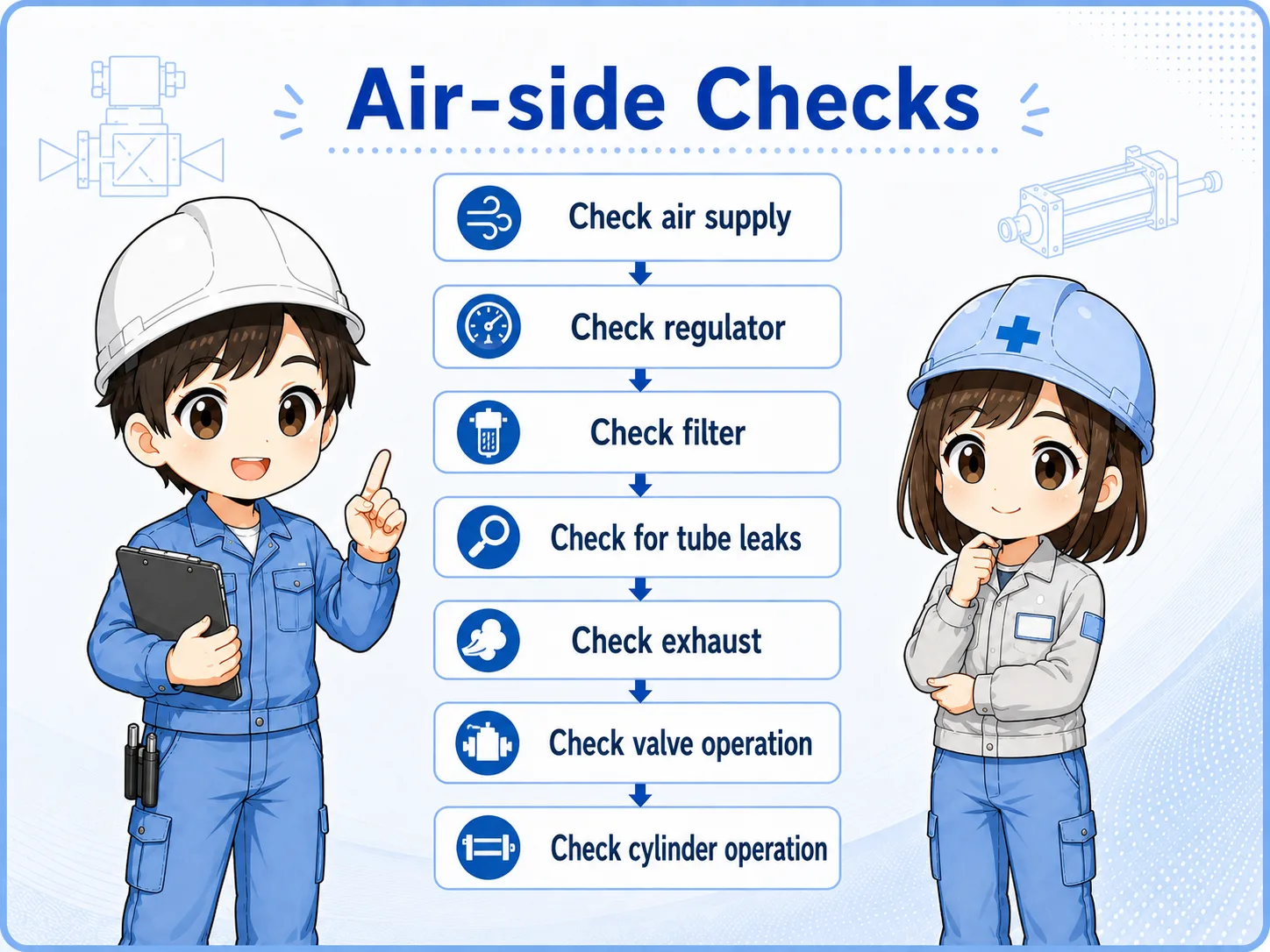
A solenoid valve needs suitable air pressure and correct piping. If the main air valve is closed, the regulator pressure is too low, the exhaust is blocked, or the speed controller is fully closed, the actuator may not move.
Air supply
Confirm the main air supply and shutoff valve position.
Regulator pressure
Check the pressure gauge and whether pressure drops during operation.
Piping and ports
Confirm tube connection, port direction, exhaust condition, and tube damage.
Cylinder and load
Check mechanical binding, excessive load, stopper contact, or a stuck actuator.
Recommended troubleshooting flow
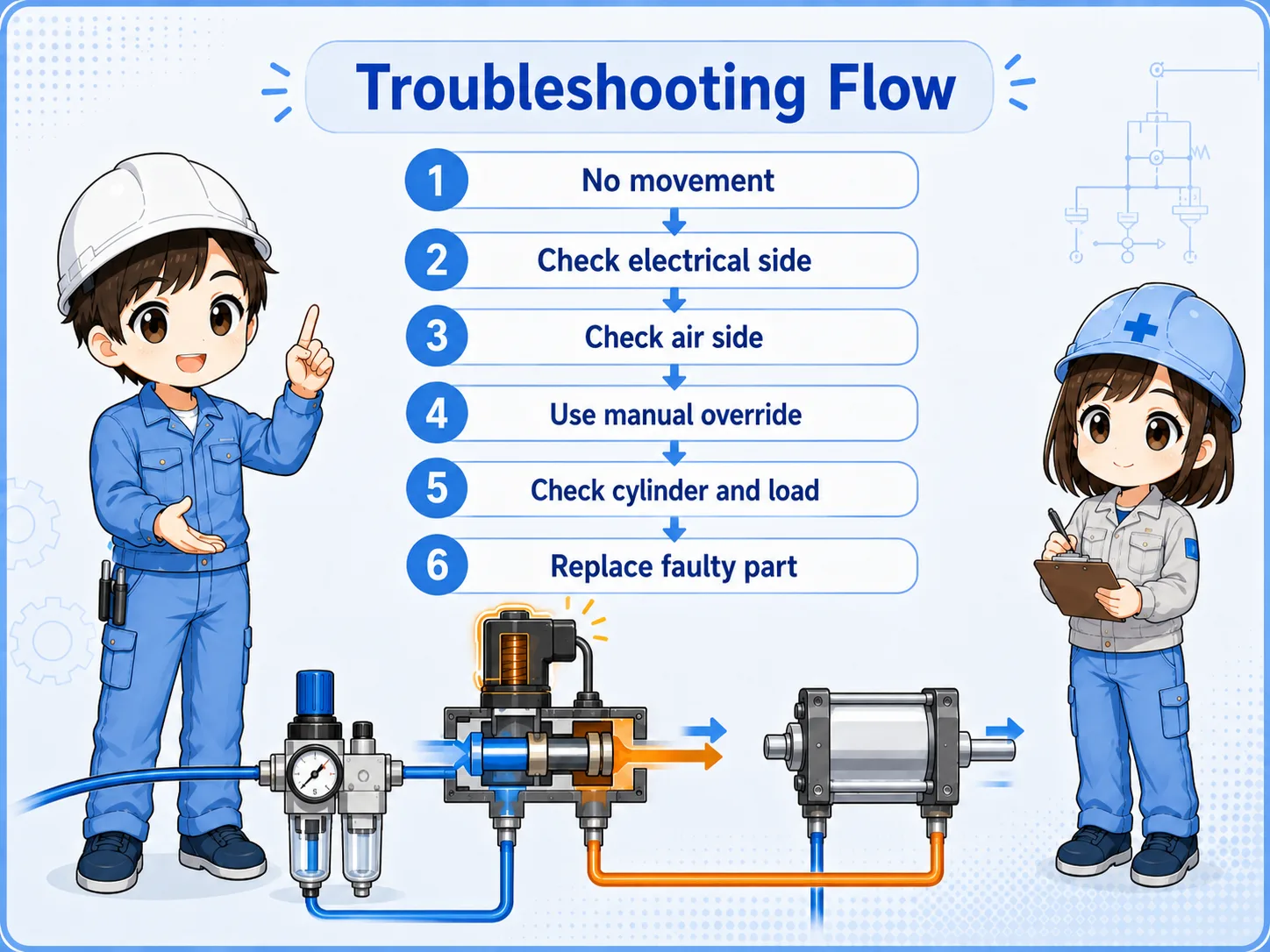
Use a simple order: command, voltage, valve operation, air pressure, piping, and actuator side.
1. PLC command
Check whether the output is ON and whether the program condition is satisfied.
2. Voltage and coil
Check DC24V, connector, wiring, output common, and coil condition.
3. Manual and air side
Use manual operation and check pressure, piping, and actuator movement.
Report both sides
A useful field report says both what happened electrically and what happened pneumatically, for example: “PLC output ON, 24V present at coil, manual operation works, but automatic command does not energize the valve.”
Summary
When a solenoid valve does not operate, the cause may be on the control side, the valve side, the air supply side, the piping side, or the actuator side. Replacing the valve before checking these points can waste time and create new problems.
Start with the PLC output and DC24V power, then check the connector, coil, manual override, air pressure, regulator, piping, and cylinder-side movement. The goal is to separate the problem step by step.
Final takeaway
Troubleshoot a solenoid valve by separating electrical command, valve operation, air pressure, and actuator movement. Do not judge the valve alone from one symptom.
Related articles
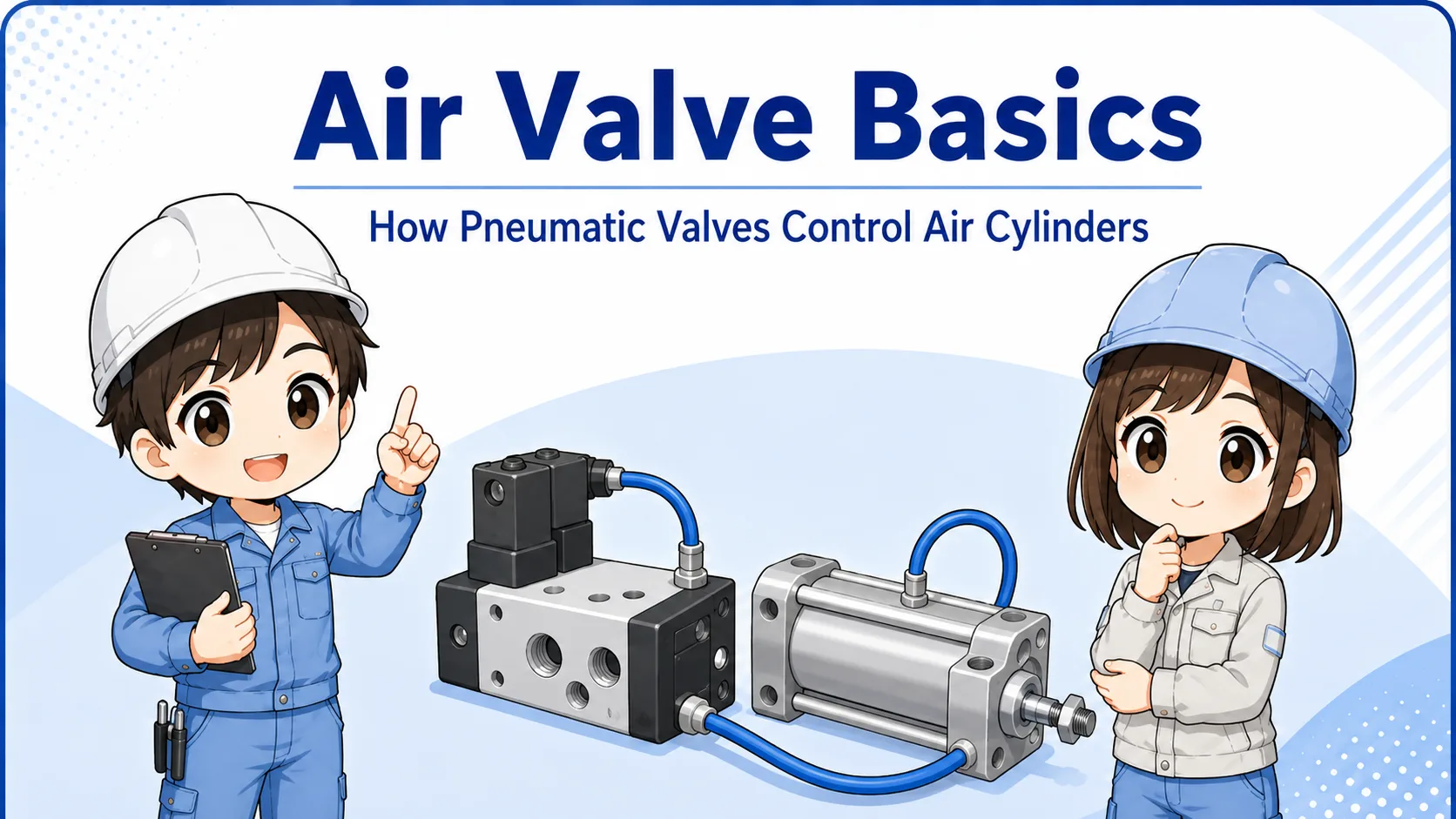
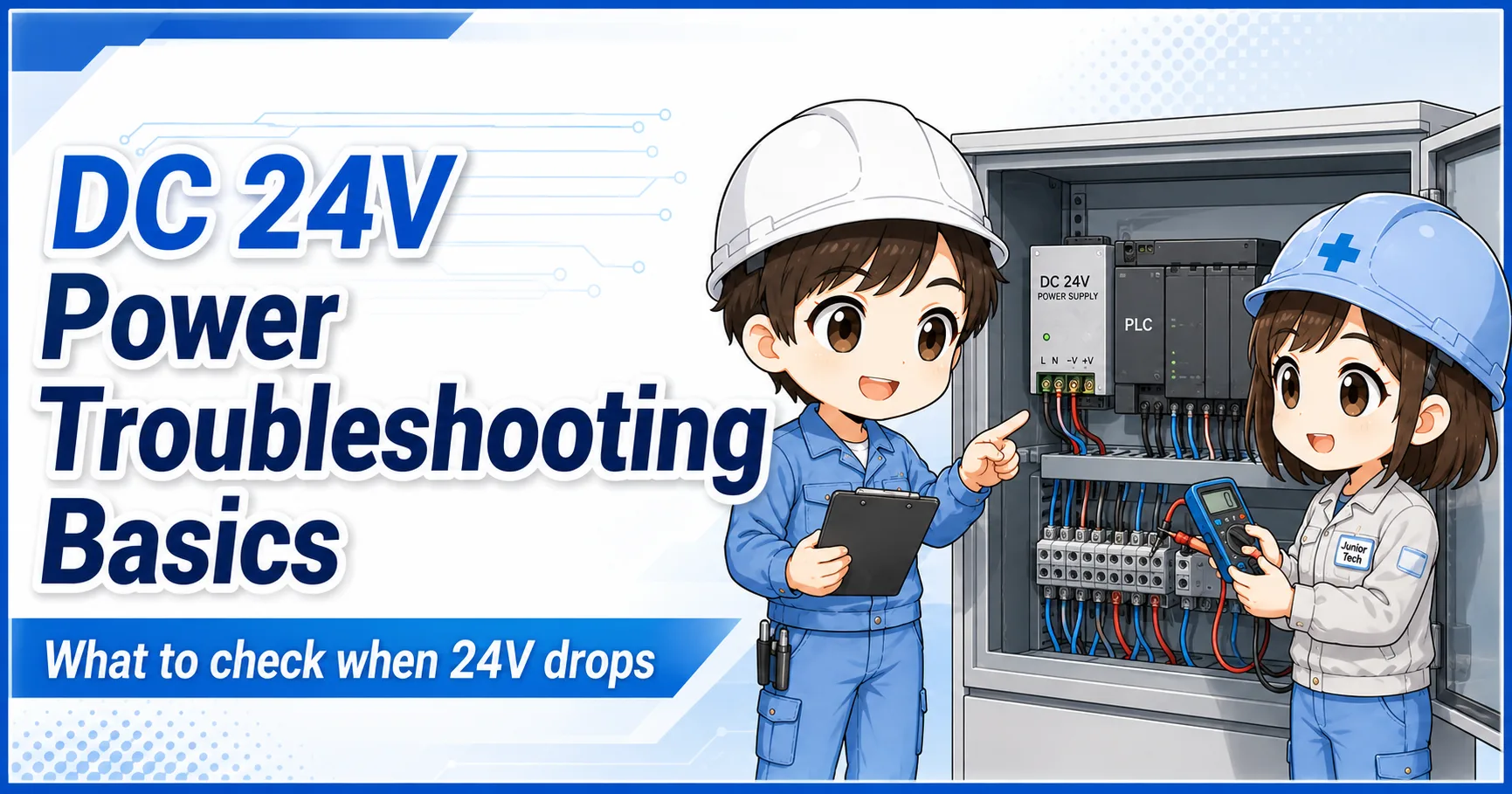
Read these next to connect solenoid valve checks with air valves, pressure gauges, and PLC output troubleshooting.