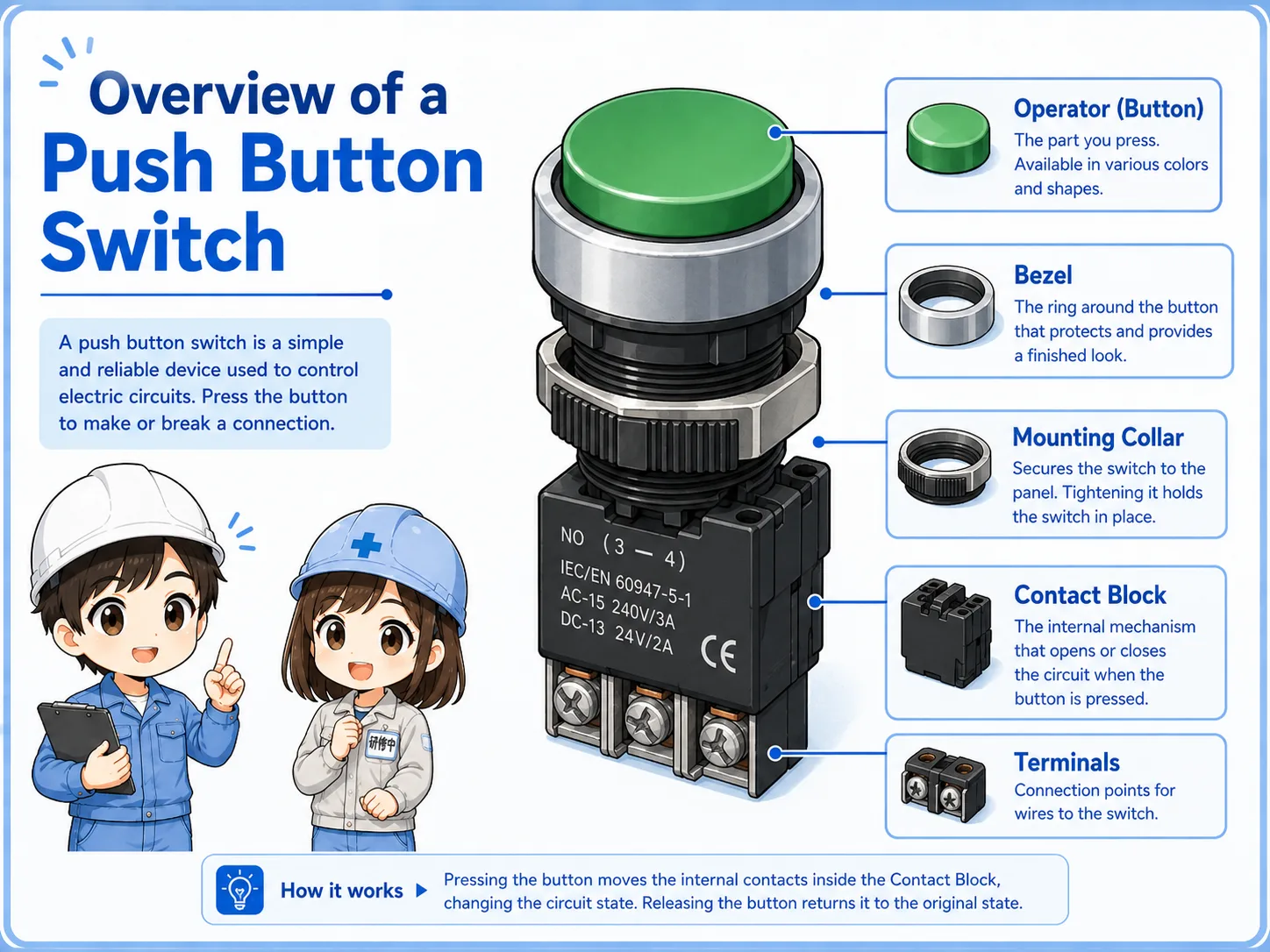
What is a push button switch?
A push button switch is a human-operated switch used to send a signal or open and close a control circuit.
In a control panel, push buttons are used for operations such as start, stop, reset, jog, manual operation, and confirmation. The button itself is simple, but the circuit connected to it decides what happens when it is pressed.
Many push buttons are connected to PLC inputs. When the button changes contact state, the PLC reads that input and the program decides the next action.
Do not judge only by button color
Color is helpful, but the actual function depends on the circuit and contact type behind the button.
NO and NC contacts
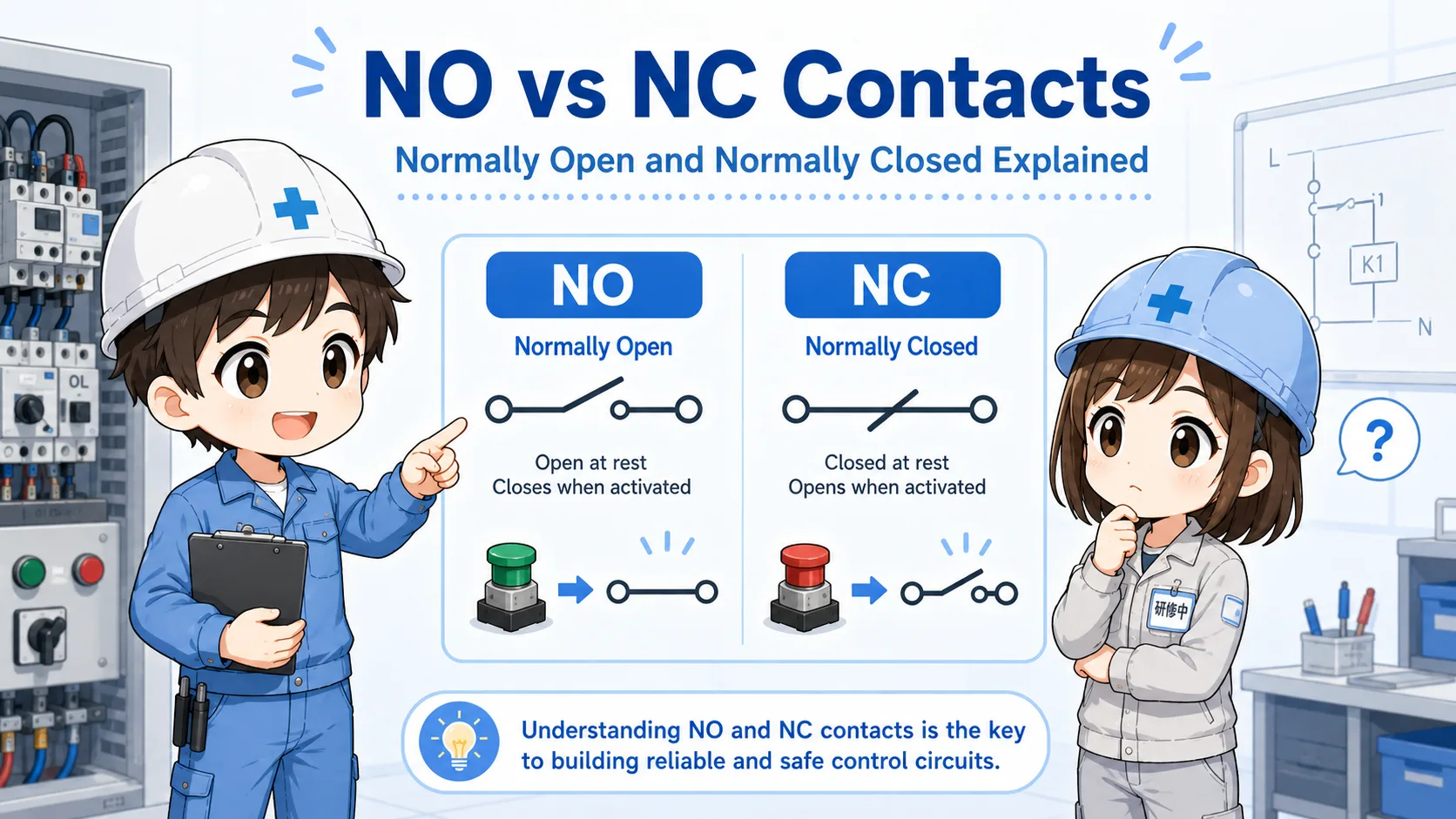
Push button switches usually use contacts. The two basic contact types are NO and NC.
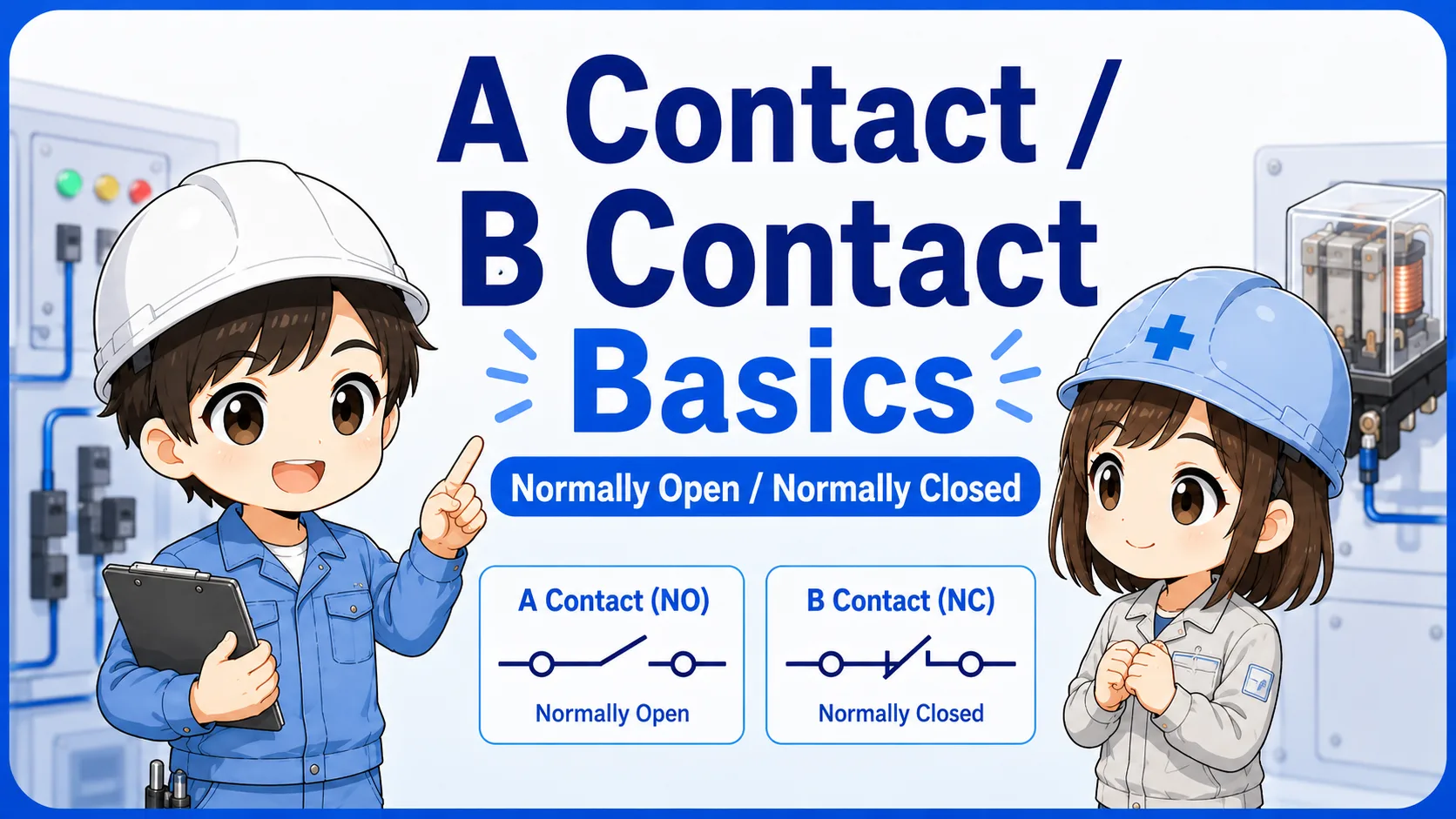
NO means normally open. The contact is open when not pressed, and it closes when pressed. NC means normally closed. The contact is closed when not pressed, and it opens when pressed.
| Contact type | Normal state | When pressed | Common use |
|---|---|---|---|
| NO contact | Open | Closes | Start, reset, input command |
| NC contact | Closed | Opens | Stop, interlock, break signal |
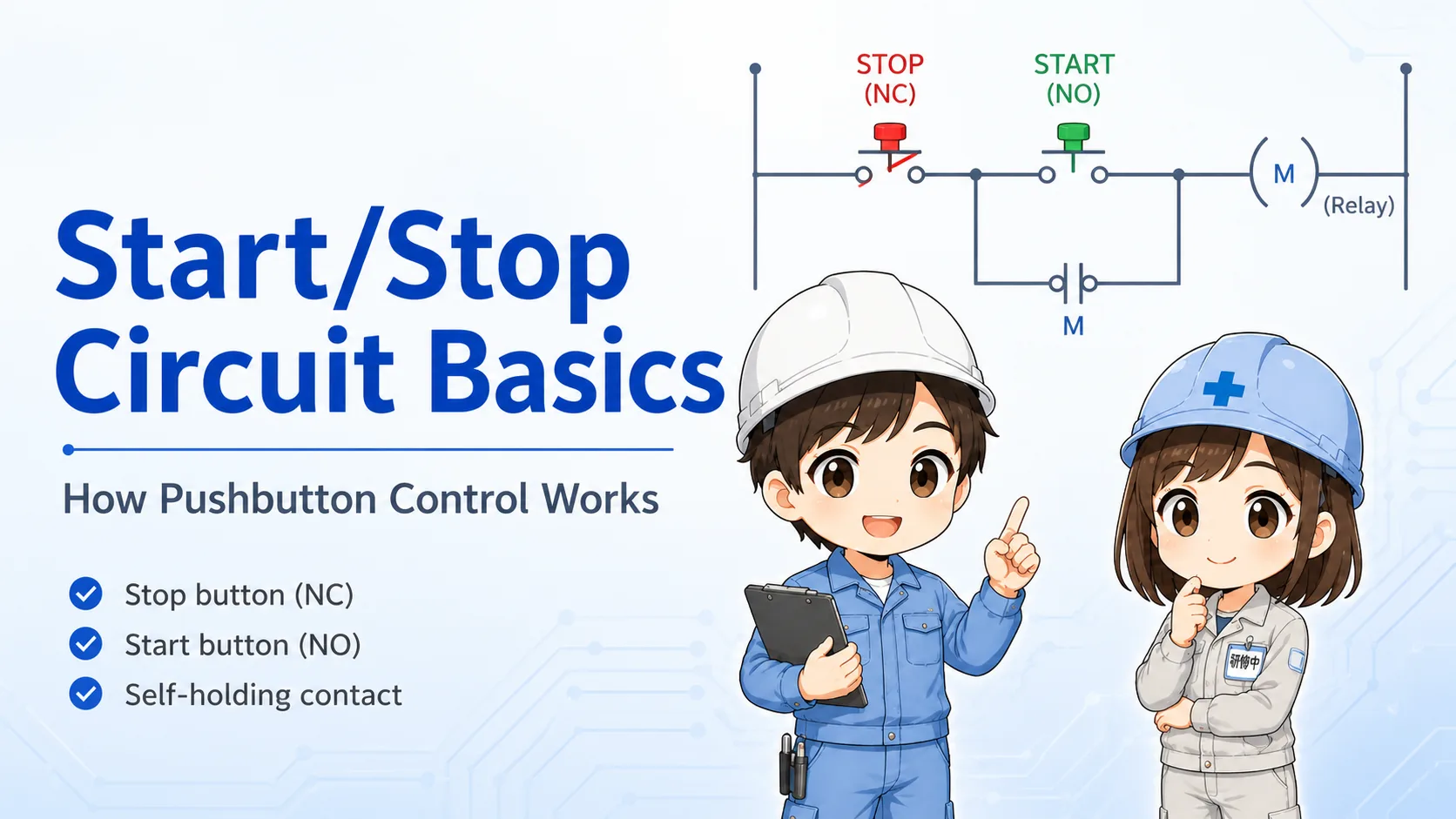
Start and stop often use different contact logic
A start button often uses an NO contact, while a stop button often uses an NC contact. This is a basic pattern, but always check the actual drawing.
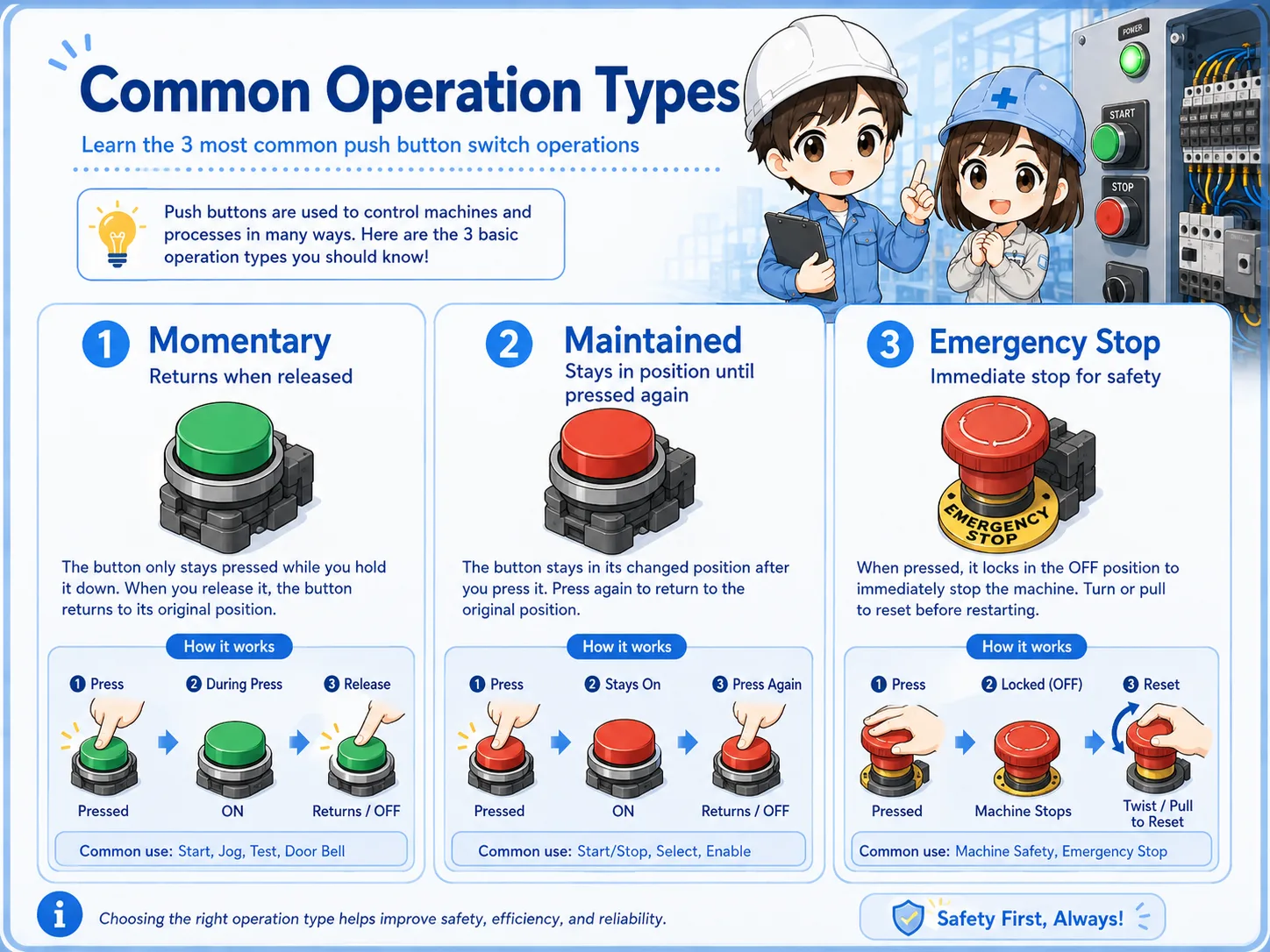
Momentary and alternate operation
Another important difference is how the button behaves mechanically after it is pressed.
A momentary push button returns when released. An alternate, maintained, or push-on/push-off type changes state and stays there until it is operated again.
Momentary type
The button returns when released. It is common for start, reset, and input commands.
Alternate / maintained type
The state remains after operation. It may be used for mode selection or ON/OFF operation.
Illuminated push buttons
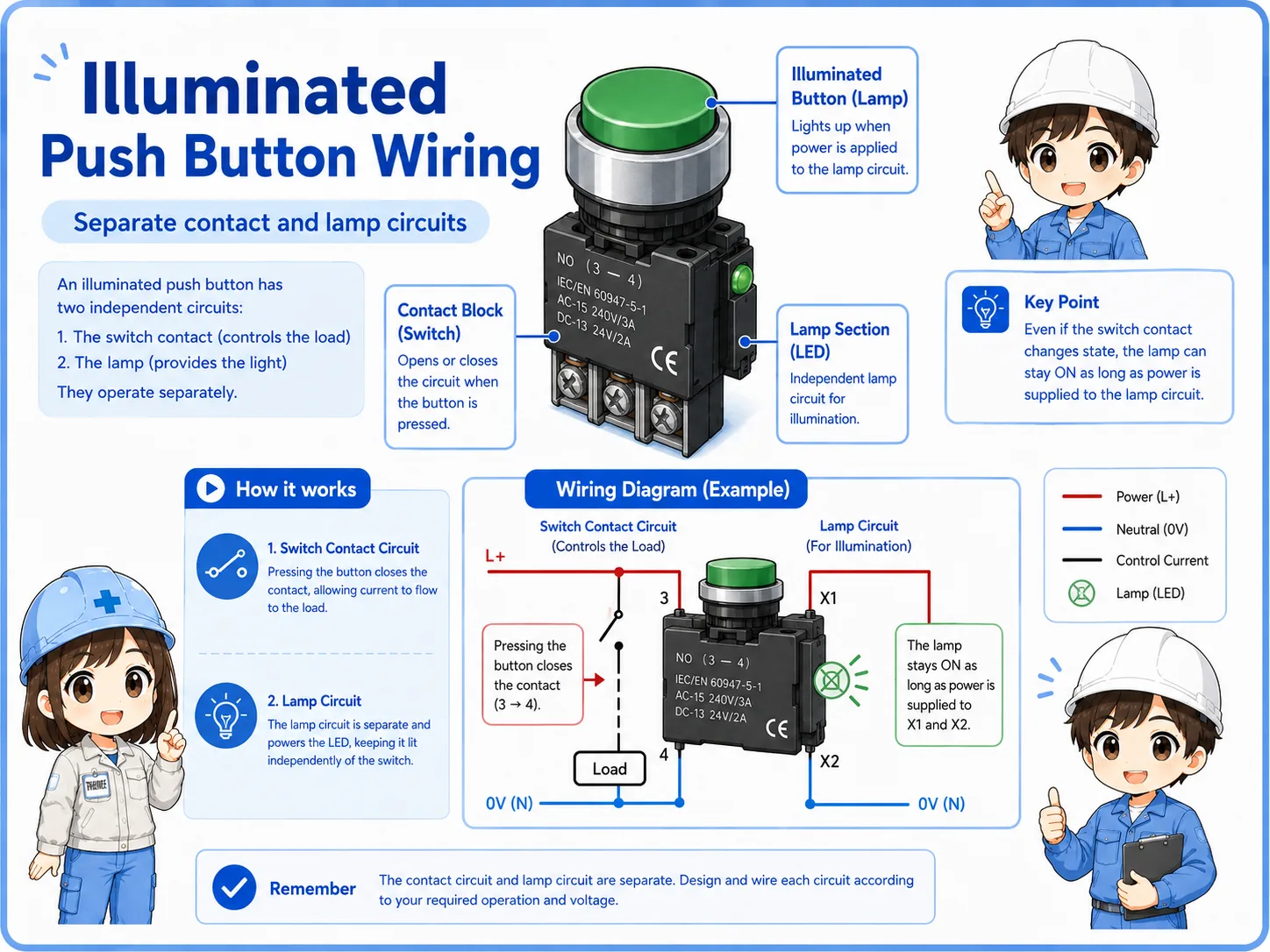
Some push buttons include a lamp. These are called illuminated push buttons. The switch contact and the lamp circuit are often separate, so the button can have both signal wiring and lamp wiring.
For example, a button may be pressed to send a PLC input, while the lamp turns on from a PLC output or another circuit to show machine status.
Good field habit
If a lamp does not turn on, do not assume the push button contact is bad. The lamp circuit, voltage, PLC output, or lamp unit may be the issue.
Field checks before replacing a push button
Before replacing a push button, confirm what part of the button is actually failing. A contact problem, lamp problem, loose terminal, wrong wiring, or PLC input issue can look similar from the outside.
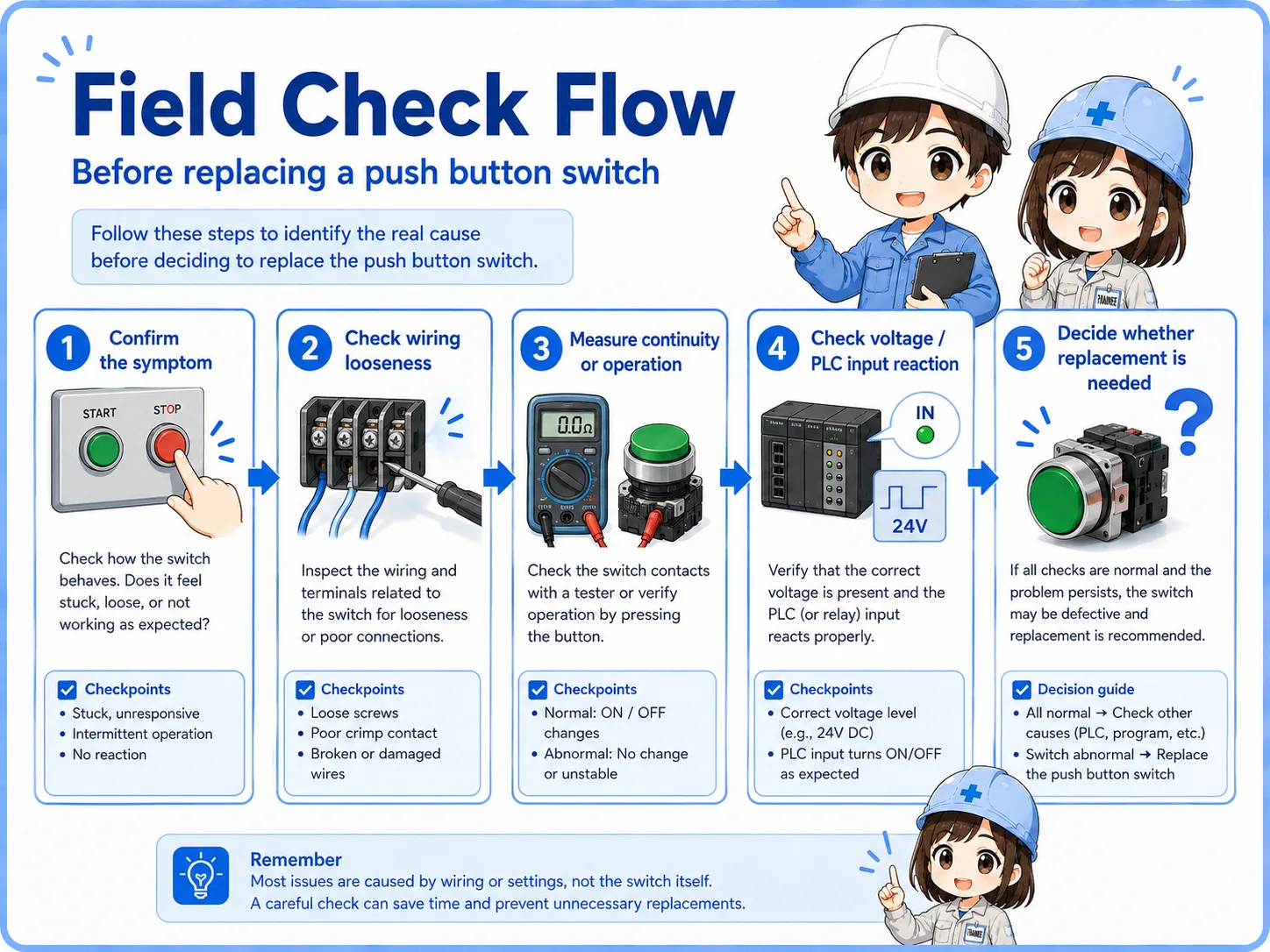
- Confirm the button function from the drawing or label.
- Check whether the contact is NO or NC.
- Confirm whether the button is momentary or maintained type.
- Check terminal looseness, broken wires, and contact condition.
- If it is illuminated, check the lamp circuit separately.
- Watch the PLC input or circuit signal while pressing the button.
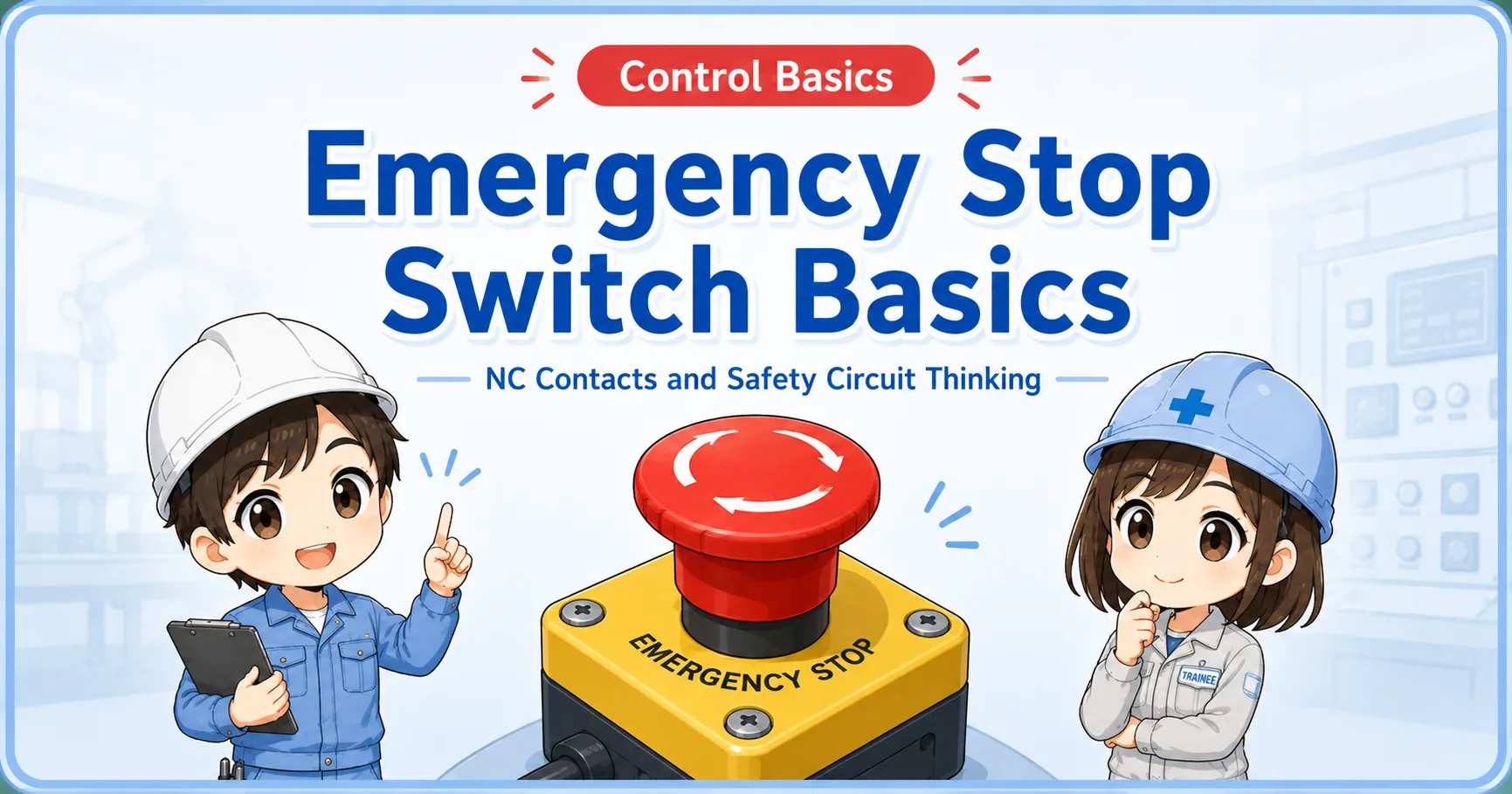
Be careful with stop and safety-related buttons
Do not change contact type or wiring based only on appearance. A wrong replacement can change the control logic.
Common troubleshooting points
The table below summarizes common symptoms around push button switches.
| Symptom | Possible check point | Practical note |
|---|---|---|
| PLC input does not turn ON | Contact, terminal, wiring, input common, PLC input point. | Check the signal while pressing the button. |
| Button feels stuck | Mechanical damage, dirt, panel mounting, maintained type behavior. | Confirm whether it is supposed to return or stay. |
| Lamp does not light | Lamp voltage, lamp unit, PLC output, wiring, common. | Separate the lamp circuit from the switch contact. |
| Wrong operation occurs | Wrong contact type, wrong terminal, incorrect replacement, wiring error. | Compare against the drawing before changing wiring. |
A simple way to think about it

A push button looks simple, but the contact type and operation type decide how the circuit sees it.

So I should check NO or NC, momentary or maintained, and whether the lamp wiring is separate before replacing it.
Summary: check the contact and operation type
A push button switch is a basic control panel component used to send operation signals. The most important points are the contact type, operation type, wiring, and circuit role.
When troubleshooting, do not judge only by the button color or shape. Check the drawing, contact behavior, PLC input, lamp circuit, and terminal condition.