What is a signal tower light?
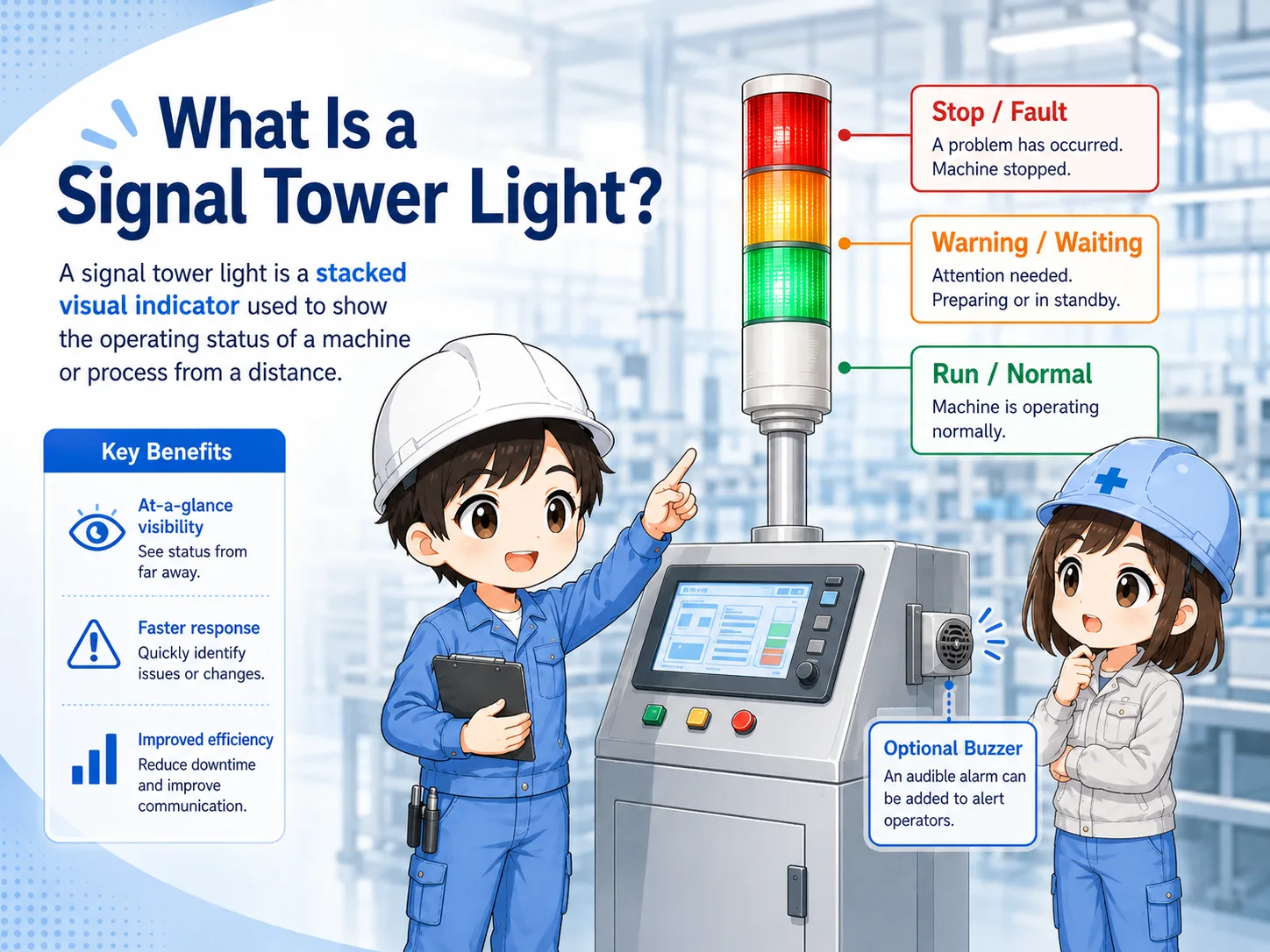
A signal tower light is a stacked indicator light used to show machine status from a distance.
A signal tower light is usually mounted on top of a machine, control panel, or equipment frame. It lets people see the condition of the machine even when they are not standing directly in front of the operator panel.
In many factories, tower lights are used to show normal operation, warning or waiting, and fault or stop conditions. Some models also include a buzzer so that people can notice an abnormal condition by sound.
Think of it as the machine's status beacon
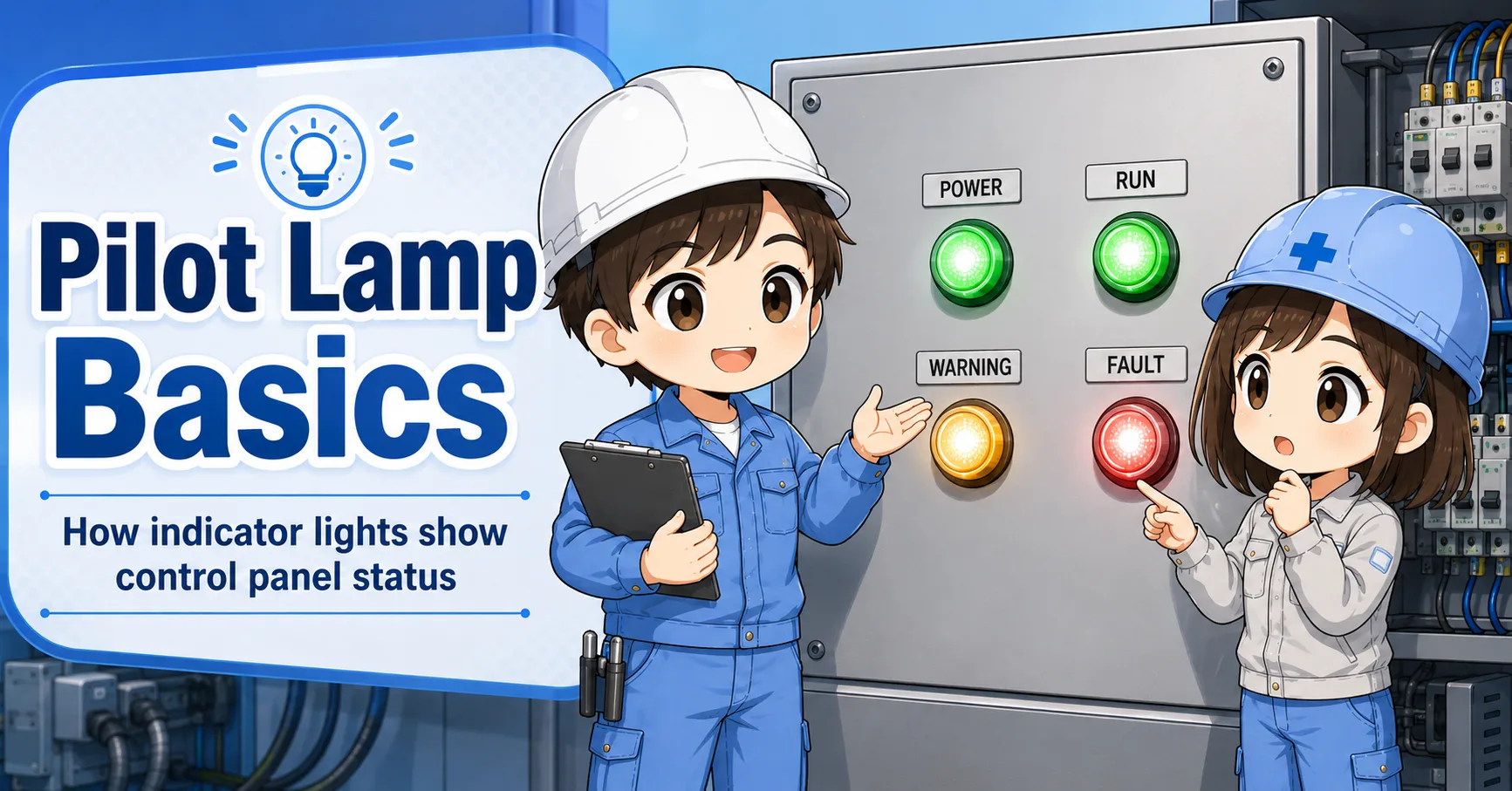
A pilot lamp often shows a local panel status. A signal tower light is more visible and is used to share the machine status with people around the equipment.
Common color meanings
Red, amber, and green are common, but the actual meaning depends on the machine design and documentation.
Many machines use green for running or normal status, amber for warning or attention, and red for fault or stop. However, the color alone is not enough. The meaning should be confirmed from the machine label, electrical drawing, PLC logic, or site standard.
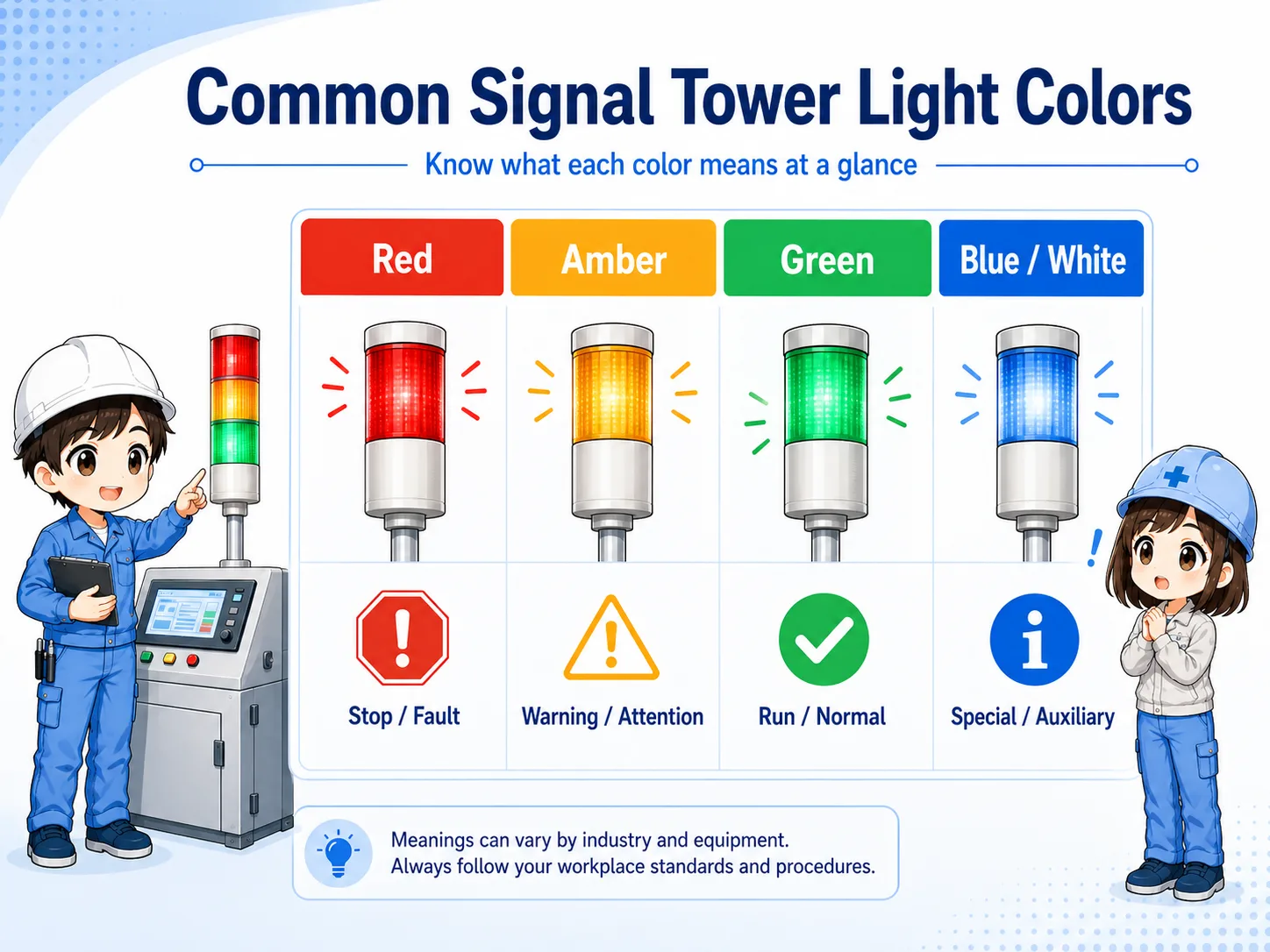
| Color | Typical use | Field note |
|---|---|---|
| Green | Running, normal operation, automatic operation | Check whether it means command running, actual running, or ready status. |
| Amber | Warning, waiting, material shortage, operator attention | Often used before a complete stop or for a condition that needs action. |
| Red | Fault, stop, emergency-related condition, abnormal stop | Confirm whether it is a machine fault, safety stop, or process stop. |
| Blue / White | Special mode, manual operation, setup, auxiliary status | Meaning varies strongly by machine and customer standard. |

Do not read the color by feeling alone. Green, amber, and red are useful, but the real meaning is decided by the machine design and the drawing.

So I should check the label, PLC output, and drawing before deciding what the tower light is really telling me.
How a signal tower light relates to PLC outputs
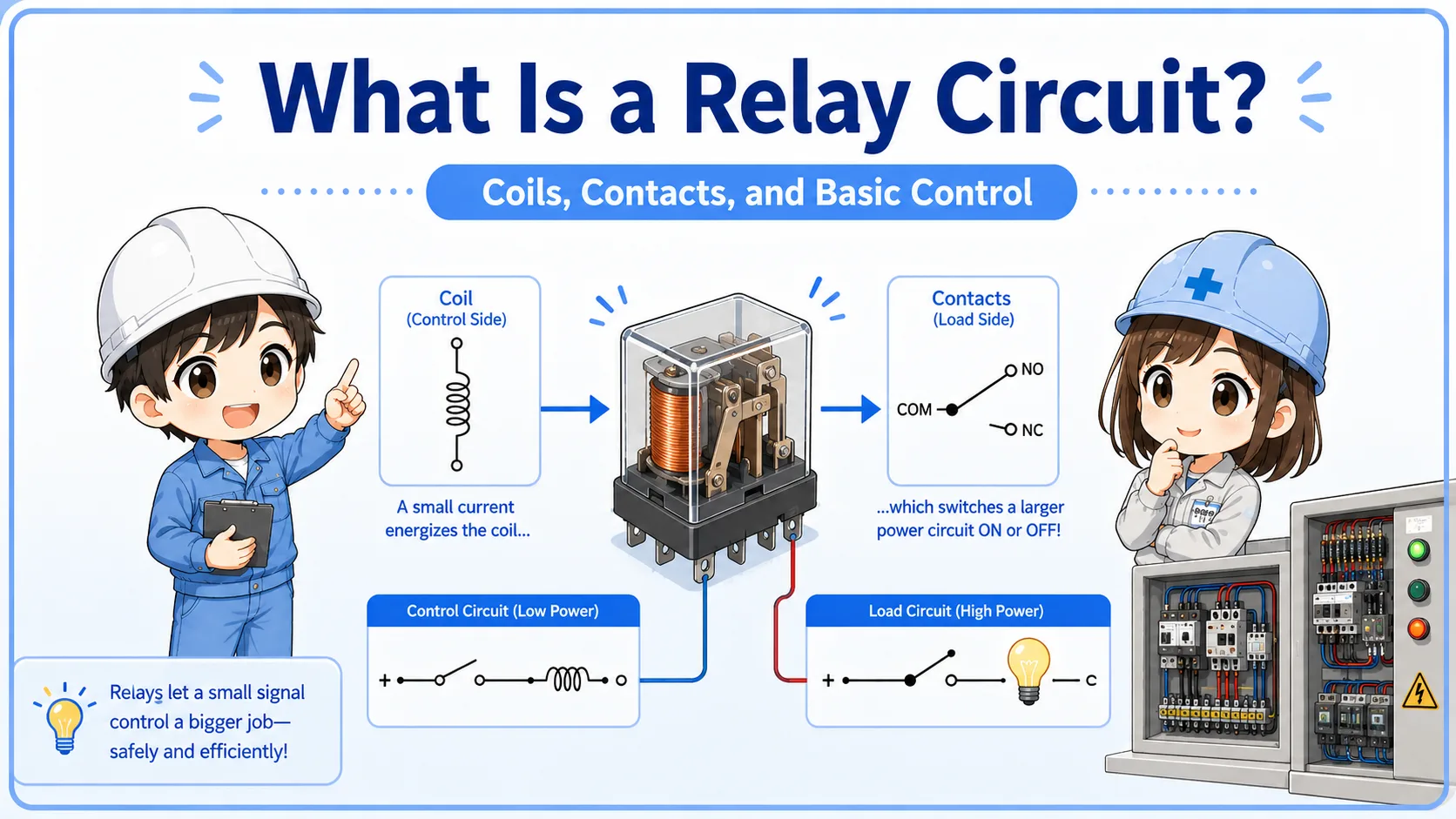
Each color is often turned on by a PLC output, relay contact, or control circuit.
In many machines, each color of the tower light is connected as a separate load. For example, one PLC output may turn on the green light, another output may turn on the amber light, and another output may turn on the red light.
1. Machine condition
The PLC detects running, waiting, warning, or fault conditions.
2. Output command
The PLC or relay circuit sends voltage to one tower light color.
3. Visible indication
The tower light turns on so people can see the machine status.
Check command and load separately
If a color does not turn on, the problem may be the PLC output, relay contact, fuse, power supply, wiring, terminal, lamp unit, or the tower light module itself.
What about buzzer-equipped tower lights?
A buzzer adds sound to the visual indication, usually for faults, warnings, or attention states.
Some signal tower lights include a buzzer or sounder. The buzzer is useful when people may not be looking at the machine, but it should be used carefully. If it sounds too often, people may start ignoring it.
- Fault buzzer: alerts people to an abnormal stop or alarm.
- Warning buzzer: calls attention before the machine reaches a fault state.
- Operator call: tells an operator that material, part removal, or confirmation is needed.
Sound should match importance
Use the buzzer for conditions that really need attention. A constantly noisy buzzer can make the indication less useful in the field.
Field checks when the indication looks wrong
Start by confirming what should be on, then check the output signal, voltage, terminals, and lamp module.
When a tower light is not working as expected, do not replace the unit immediately. First check whether the PLC or control circuit is actually commanding that color or buzzer to turn on.
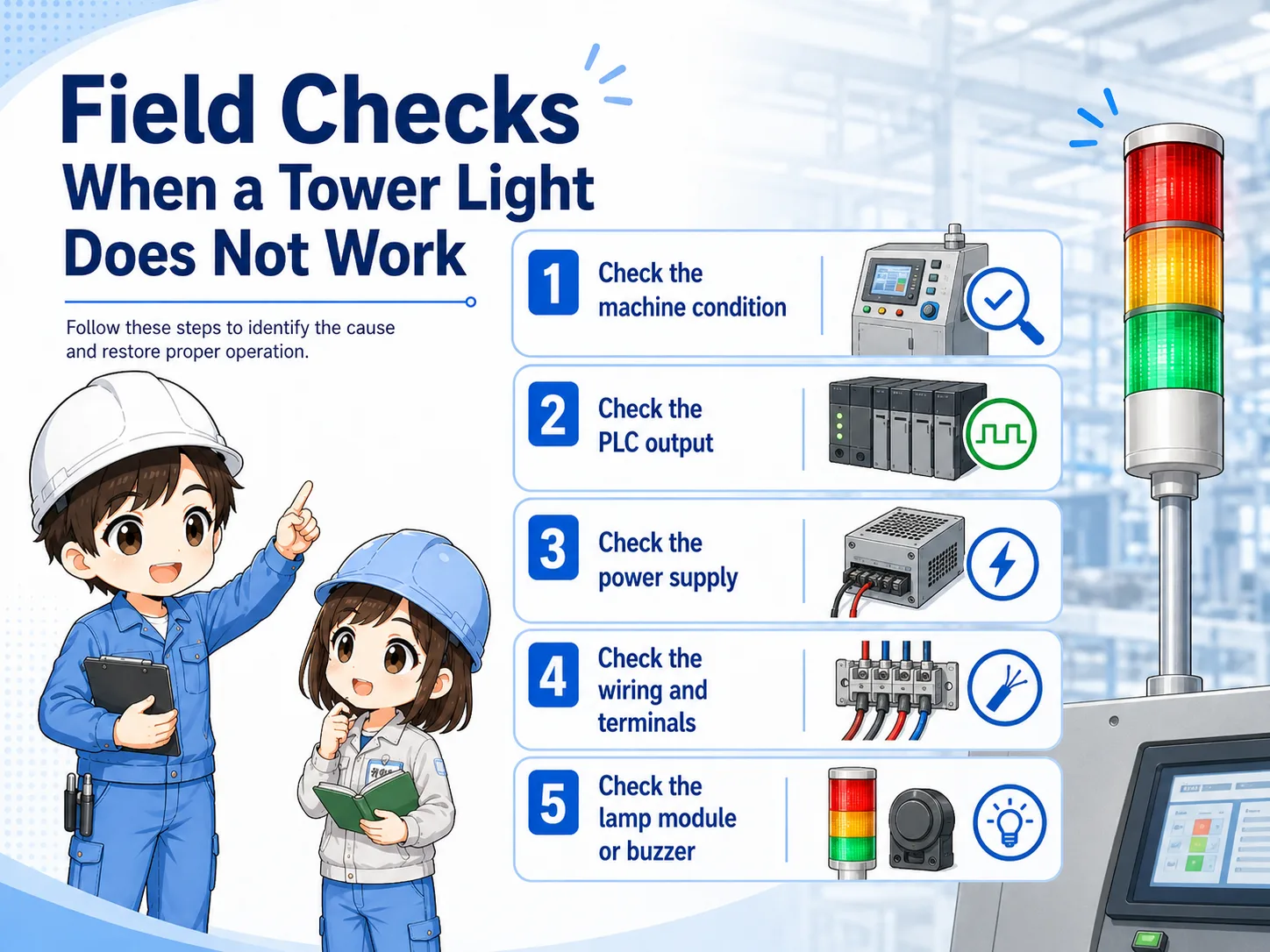
Should that color be on?
Confirm the machine state, alarm state, and PLC output condition first.
Is output voltage present?
Measure only when safe and permitted. Check the voltage at the output and at the tower light terminal.
Is wiring correct?
Look for loose terminals, broken wires, wrong common wiring, or shared power supply issues.
Is the module correct?
Check the rated voltage, LED module, buzzer module, polarity, and replacement part.
Safety first
Do not touch live terminals casually. Follow the site's lockout, measurement, and electrical safety procedures.
Common mistakes
Most mistakes come from assuming the color meaning or replacing parts before checking the command signal.
- Assuming every green light always means the machine is safely running.
- Assuming red always means the same kind of fault on every machine.
- Replacing the tower light before checking the PLC output or relay contact.
- Ignoring the common wire, rated voltage, or LED polarity.
- Using the buzzer too often until operators stop reacting to it.
Summary: read tower lights as machine status messages
A signal tower light helps people understand machine status from a distance. It uses stacked colors such as green, amber, red, blue, or white, and may also include a buzzer.
The most important habit is to read color, label, drawing, PLC output, wiring, and actual machine condition together. That prevents wrong assumptions and makes troubleshooting much more reliable.